
Melbet India Login – Sign In to Your Account
Melbet login gives you fast access to your account for sports betting in India, deposits, withdrawals, and live bet slips. You can sign in on the Melbet website or in the mobile app with the same details you set during registration. This guide covers every sign-in method, password recovery, and quick fixes for common login problems, so you can claim your welcome bonus and get back to betting in seconds.
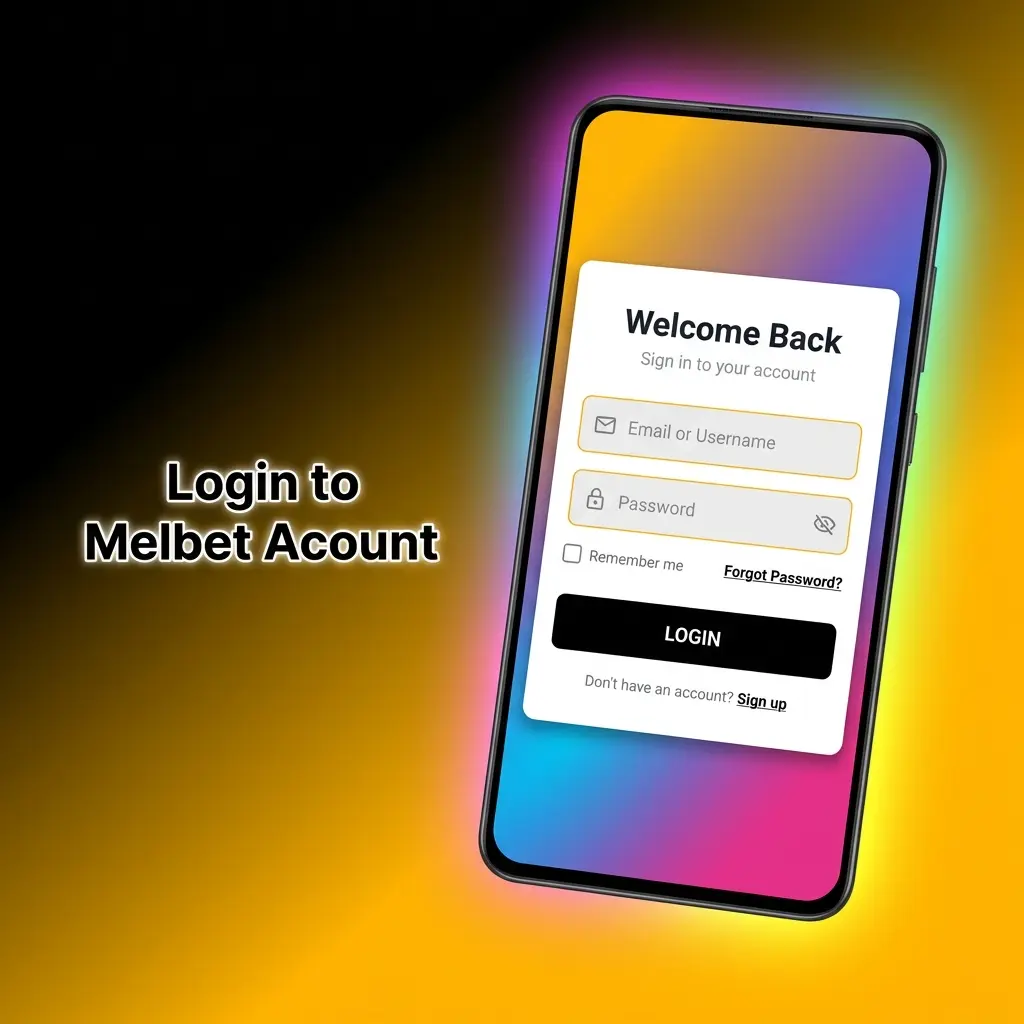
How to Log In to Melbet
Signing in takes a few seconds once your email, phone number, or account ID is ready. Use the same credentials you created during Melbet registration on the website or app.
Open the login form
Tap the LOG IN button in the header of this website to open the sign-in window.
Choose your login method
Select By email/ID, By phone, or By code, depending on how you registered your account.
Enter your credentials
Type your email or ID and password, or your phone number and password, then tick Remember to stay signed in on your device.
Confirm and sign in
Press LOG IN. If your account asks for a one-time code, enter the code sent to your phone or email to finish.
Melbet Login Methods
Melbet supports several sign-in options, so you can pick the one that matches your registration method. If you do not have an account yet, complete your registration first, then return here to sign in.
- By email or ID: enter the email address or account ID you registered with, add your password, and press LOG IN.
- By phone: sign in with your registered phone number and password.
- By code: request a one-time code and log in without typing your password.
- Social login: under “You can log in to your account via”, pick a linked service such as Google, Telegram, X, Mail.ru, or Discord.
Tick Remember to keep your session active on a trusted device, and use Forgot your password if you cannot recall your credentials.
Log In via the Melbet Mobile App
The Melbet app keeps you signed in for quick betting, deposits, and live tracking. The login screen works the same way as the website, with larger buttons for fast taps and one-time code entry. If you have not installed it yet, get the Melbet app for Android or iOS and log in with your existing account.
- Open the app and tap the login button on the start screen.
- Choose By email/ID, By phone, or By code.
- Enter your credentials and confirm with a one-time code if requested.
- Enable stay signed in so you skip the login step next time.
Forgot Your Password? Account Recovery
Password recovery restores access without changing your balance or bet history. Use the same phone number or email you registered with.
- On the login window, tap Forgot your password.
- Choose recovery by phone or email, based on your registered contact.
- Enter your phone or email and request the reset code.
- Enter the code, set a new password, and save the change.
- Return to the login form and sign in with your new password.
Common Login Problems and Fixes
Most sign-in issues come from wrong credentials, code delays, or browser problems. Try the fixes below, and contact support inside the website or app if the problem stays.
- Wrong password: check Caps Lock, retype carefully, or reset it with Forgot your password.
- Code not received: wait a moment, request a new code, and confirm your phone number or email is correct.
- Account restricted: complete verification or contact support if a restriction notice appears at login.
- Page will not load: clear cache, switch browser, or sign in through the app instead.
- Forgot which method you used: try email/ID first, then phone, using the contact details from registration.
FAQ
Which login methods does Melbet support in India?
You can sign in by email or account ID, by phone number, or with a one-time code. Linked social accounts such as Google or Telegram can also be used if you connected them during sign up.
What should I do if my Melbet login keeps failing?
Check Caps Lock, confirm you are using the details from sign up, and reset your password with Forgot your password. If a restriction notice shows, contact support inside the website or app.
Can I stay logged in on my device?
Yes. Tick Remember on the login form to keep your session active on a trusted device. Avoid this option on shared or public computers.
Is the login the same on the website and the app?
Yes. One account works across the website and the mobile app, so the same credentials sign you in on both.
How do I recover a forgotten password?
Tap Forgot your password on the login window, choose phone or email, enter the reset code sent to you, and set a new password.
Updated:
Comments